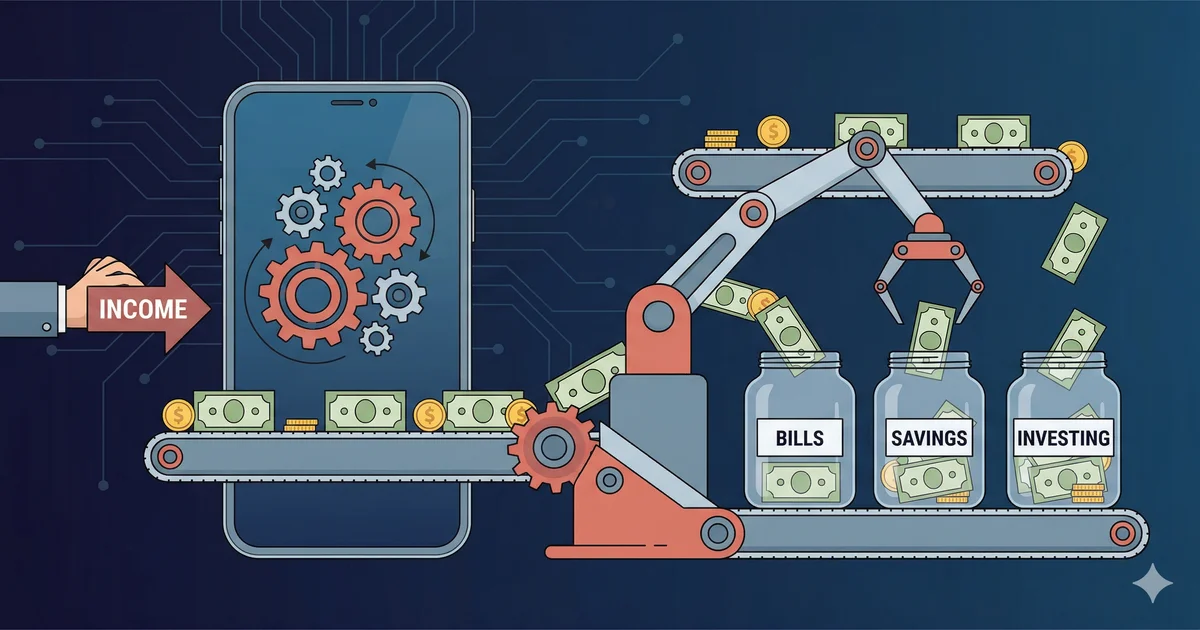
The secret to building wealth is not willpower — it is automation. When saving, investing, and bill-paying happen automatically, you remove the largest barrier to financial success: human psychology.
Why Automate Your Finances?
- No missed payments: Autopay eliminates late fees (Americans pay $12 billion in credit card late fees each year)
- Consistent saving: Automated savers accumulate 30–40% more than manual savers
- Reduced stress: Once set up, money flows to the right places without daily decisions
- Better credit score: On-time payments (35% of your score) become effortless
- Time saved: One 60-minute setup session replaces hours of monthly bill management
The Automation System
- Paycheck deposits to checking account
- Auto-transfer to savings (20%)
- Auto-transfer to investment account
- Auto-pay bills and debt payments
- Remaining = guilt-free spending money
Step-by-Step Setup Guide
Step 1: Map Your Money Flow
List every source of income and every recurring expense. Note the date, amount, and whether it is fixed or variable.
Step 2: Set Up Automatic Savings
| Savings Goal | Where | When | Amount |
|---|---|---|---|
| Emergency fund | High-yield savings | Payday | $200/paycheck |
| Retirement (401k) | Employer plan | Each paycheck | 10–15% pre-tax |
| IRA | Brokerage | 1st of month | $500/month |
| Sinking funds | Separate savings | Payday | $100–$300 |
Step 3: Automate Bills
Set up autopay for every recurring bill:
- Rent/mortgage (fixed — schedule for the 1st)
- Utilities (autopay from provider — variable amounts)
- Insurance premiums (fixed monthly or annual)
- Subscriptions (already auto-charging — just verify)
- Loan/debt payments (set to pay more than minimum automatically)
Step 4: Automate Investments
Set up automatic contributions to your brokerage or IRA. Most platforms let you set up regular purchases of index funds or ETFs on a schedule. This is dollar-cost averaging — the simplest, most effective investing strategy.
Step 5: Create a Buffer
Keep $500–$1,000 extra in your checking account as a buffer. This prevents overdrafts if timing does not line up perfectly between payday and automated withdrawals.
Sample Automation Calendar
| Date | Action | Amount |
|---|---|---|
| 1st | Rent/mortgage autopay | $1,500 |
| 1st | Auto-transfer to IRA | $500 |
| 5th | Auto-transfer to emergency fund | $200 |
| 5th | Auto-transfer to sinking funds | $150 |
| 10th | Insurance premium autopay | $200 |
| 15th | Utility autopay | ~$150 |
| 15th | Second paycheck deposits | $2,500 |
| 16th | Auto-transfer to savings | $200 |
| 20th | Student loan autopay | $300 |
| 25th | Credit card autopay (full balance) | Varies |
Track Your Automated Budget
Use Budgeting365 to monitor your automated finances, verify transactions, and ensure everything runs smoothly — free and offline.
Download Budgeting365 — FreeFrequently Asked Questions
What bills should I automate first?
Fixed-amount bills: rent, insurance, loan payments, and subscriptions. Then automate variable bills like utilities.
Is automating savings effective?
Yes. Automated savers accumulate 30–40% more than manual savers because money moves before you can spend it.
What if I overdraft?
Keep a $500–$1,000 buffer in checking. Schedule transfers 1–2 days after payday and review monthly.
Should I automate investments?
Absolutely. Dollar-cost averaging through automatic monthly contributions removes emotion from investing.
How often should I review?
Monthly for the first 3 months, then quarterly once everything runs smoothly.